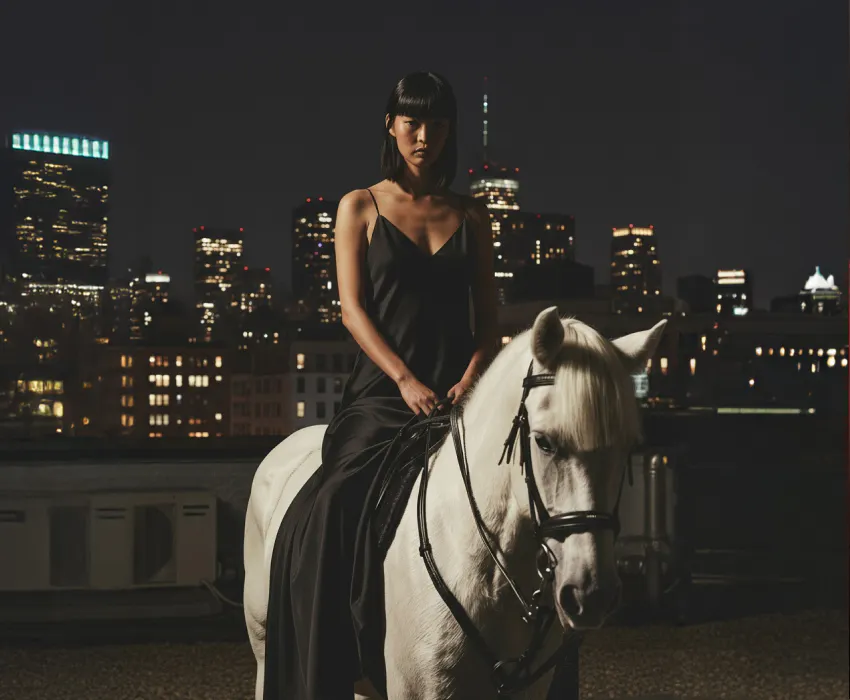
Tips on how to create character consistency using AI video generators (opens in new tab)

Seedance 2.0 by ByteDance is a premier AI video generator designed to give creators complete directing control. Shape complex shots, refine footage, and keep your scenes consistent — all inside Artlist’s AI Toolkit.
ByteDance Seedance 2.0 is built for creators and studios who want their videos to feel intentional, polished, and consistent from shot to shot.

Generate branded video content with precise visual consistency and audio sync for social media, ad campaigns, and product demonstrations.

Create cinematic pre-visualization, one-take tracking shots, and multi-shot scenes with consistent characters, camera motion, and scene continuity.

Prototype complex animations, generate storyboard references, and test visual styles with structured camera and scene control before full production.
Experiment with the Seedance 2.0 video generator and combine images and video clips to create studio-ready content that matches your creative vision.
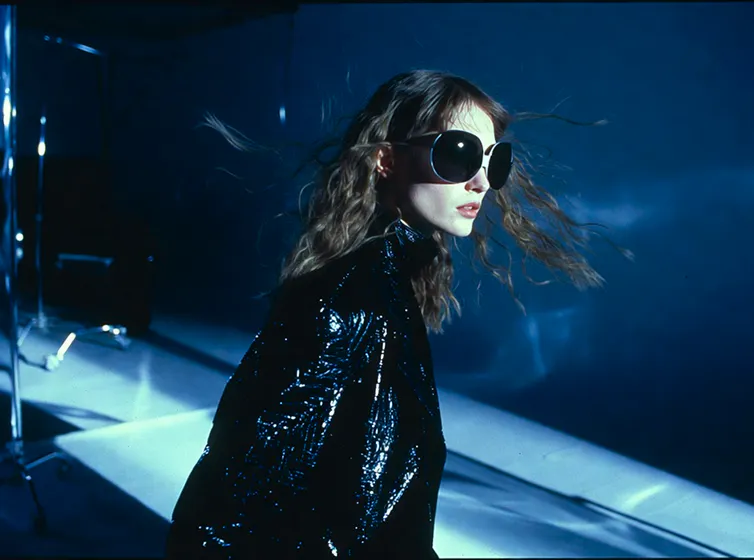
Discover Seedance 2.0’s advanced systems that give you director-level control over multimodal video generation.
Define creative direction using @Image and @Video references. Lock in your characters, guide camera movements, and easily build multi-shot sequences just by tagging your references.
Create from text prompts, animate images, or transform existing clips. Move between workflows seamlessly and build scenes the way your project demands.
Continue scenes naturally with consistent character, environments, and motion flow. Extend up to 15-second generations while maintaining seamless cinematic direction and pacing.
Generate one-take tracking shots or structured sequences that preserve character identity and environmental details across scene cuts.
Explore guides, tutorials, prompting techniques, and articles to master AI video generation for your creative projects.
Seedance 2.0 by ByteDance AI is an AI video generator that creates commercial-ready video content using text-to-video, image-to-video, and video-to-video workflows with structured reference tagging. Seedance 2.0 is available inside Artlist’s AI Toolkit.
Seedance 2.0 AI excels in cinematic continuity, advanced video-to-video generation, multi-shot storytelling, and structured control using a unified @-tagging reference system. The model generates videos up to 15 seconds long and supports English, Chinese, Japanese, and Korean language inputs.
Compared to earlier versions like Seedance 1.0 Pro Fast and Seedance 1.5 Pro, Seedance 2.0 gives you stronger scene consistency, better multi-shot control, and a simpler way to guide videos using @ tags across text, images, and clips.
Yes. Seedance 2.0 supports advanced video editing capabilities, including extending scenes, inserting shots between clips, replacing subjects, modifying objects, and maintaining continuity across edits within the Artlist AI Toolkit.
Laws around copyrightability and ownership of AI-generated content vary by territory. Where permitted by law, you retain the rights to the AI-generated videos you create with Seedance 2.0. Artlist does not claim ownership of your generated content and does not restrict commercial use, provided your use complies with our Terms of Use, including the prohibited uses outlined there.
Still have questions? We're here to help.