How AI music generation tools are transforming creative workflows (opens in new tab)
.jpg?auto=format%2Ccompress&s=62751a94e2b3524c45e8cce8f7ed3966)
Turn text prompts into studio-quality music instantly. Artlist’s text-to-music AI transforms written prompts into commercial-ready songs, letting you customize genre, mood, and vocals.

Generate music that captures the nuance and emotion of each genre and style, using AI music models built for speed, full creative control, and commercial-ready results.

Create full-length songs from text prompts with Lyria 3 Pro. Generate tracks up to 3 minutes with enhanced prompt precision for greater control over style, structure, and output.
More on Lyria 3 Pro
AI text-to-music creates studio-ready songs from text. Artlist delivers high-quality audio with customizable genres, moods, and vocals — instant, scalable music production for teams and studios.
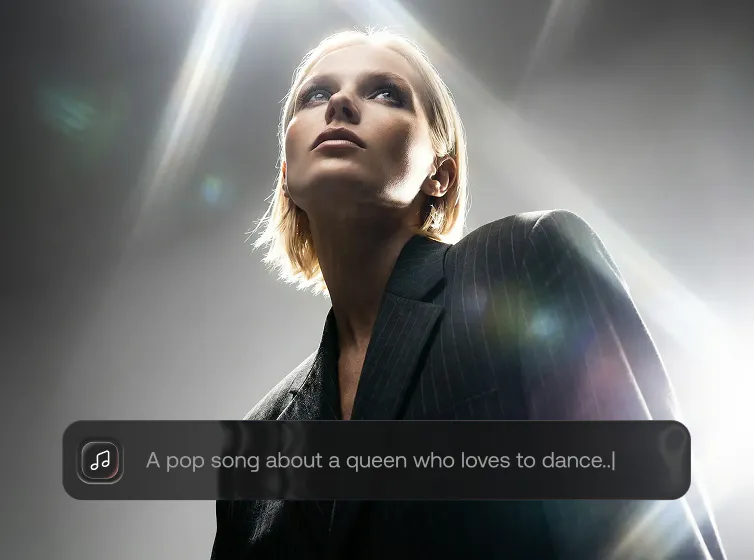
Using Artlist’s AI text-to-music to create songs is simple. This workflow is built inside the AI Toolkit, giving you creative control without technical complexity.
Open the Artlist AI Toolkit and select the AI music generator tool.

Select a model and describe your desired music by mood, genre, tempo, and all major languages.

Generate your song instantly, refine with creative settings, and download for any project.

Explore guides, resources, and inspiration to help you write better text-to-song prompts, understand AI music models, and improve your music workflows.


.jpg?auto=format%2Ccompress&s=f636a96c257b53aa8005c08c295e7f87)

Artlist’s text-to-music tool is an AI music generator inside the Artlist AI Toolkit that turns words and written descriptions into complete, commercial-ready songs. You can specify what sound you want by mood, genre, tempo, vocals, and language to create original music cleared for use in any project.
AI text-to-music analyzes your written prompt — including style, mood, and structure — and generates audio matching your specifications. The system understands musical concepts such as genre, instrumentation, and vocal characteristics, producing songs from scratch based on user input.
Yes. You can try text-to-music models as part of Artlist's free trial. Create social media soundtracks, generate jingles, and produce royalty-free background music for e-commerce videos. These are just some of the many use cases you can try out with Artlist's text-to-music AI before even upgrading to a paid plan. Learn more about the free trial here.
The text-to-music AI generator is designed for video creators, filmmakers, marketers, agencies, and anyone who needs fast, customizable music for their creative projects. The same creators may also benefit from Artlist’s image-to-music feature, which generates music from visual inputs such as images or artwork.
A good text-to-song prompt is specific and structured, describing the genre, mood, tempo, and whether vocals are required. Adding language or emotional direction can also refine results.
Copyright laws around AI-generated content vary depending on your location. Where permitted under applicable law, you retain the rights to the music you create using Artlist’s text-to-music tools. Artlist does not claim ownership of songs generated from your prompts and does not limit your commercial use of them, as long as your use complies with our Terms of Use and prohibited content guidelines.
Artlist currently offers Lyria 3 and Lyria 3 Pro, text-to-music AI models that generate original songs from written prompts. These models allow creators to control structure, mood, language, and lyrics, and download high-quality audio for commercial use. Artlist may add more text-to-music models to its AI Toolkit, giving creators additional capabilities.
While they are both available in Artlist's text-to-music generator, Lyria 3 and Lyria 3 Pro, they're designed for different creative needs. Lyria 3 generates short-form tracks of up to 30 seconds from written prompts, making it ideal for quick ideas and rapid iteration. Lyria 3 Pro supports longer music generation — from 30 seconds up to full-length tracks (up to 3 minutes). It delivers more precise results that better reflect your prompt, including style, structure, and vocals.
Still have questions? We're here to help.