


AI image generation just got another upgrade. Mere weeks after Google’s Nano Banana Pro and Gemini 3, OpenAI’s latest image generation model brings a huge leap in speed, rendering, quality, and greater creative control.
OpenAI’s new flagship AI image generator model, GPT Image 1.5, can be found on Artlist to give creators another way to generate and edit visuals with fewer iterations and more confidence in the output, all inside its platform.
GPT Image 1.5 delivers images up to 4× faster, with much tighter instruction following and editing that preserves faces, lighting, and composition.
For creators, that means fewer iterations, fewer broken details, and more time spent on ideas instead of prompt engineering.
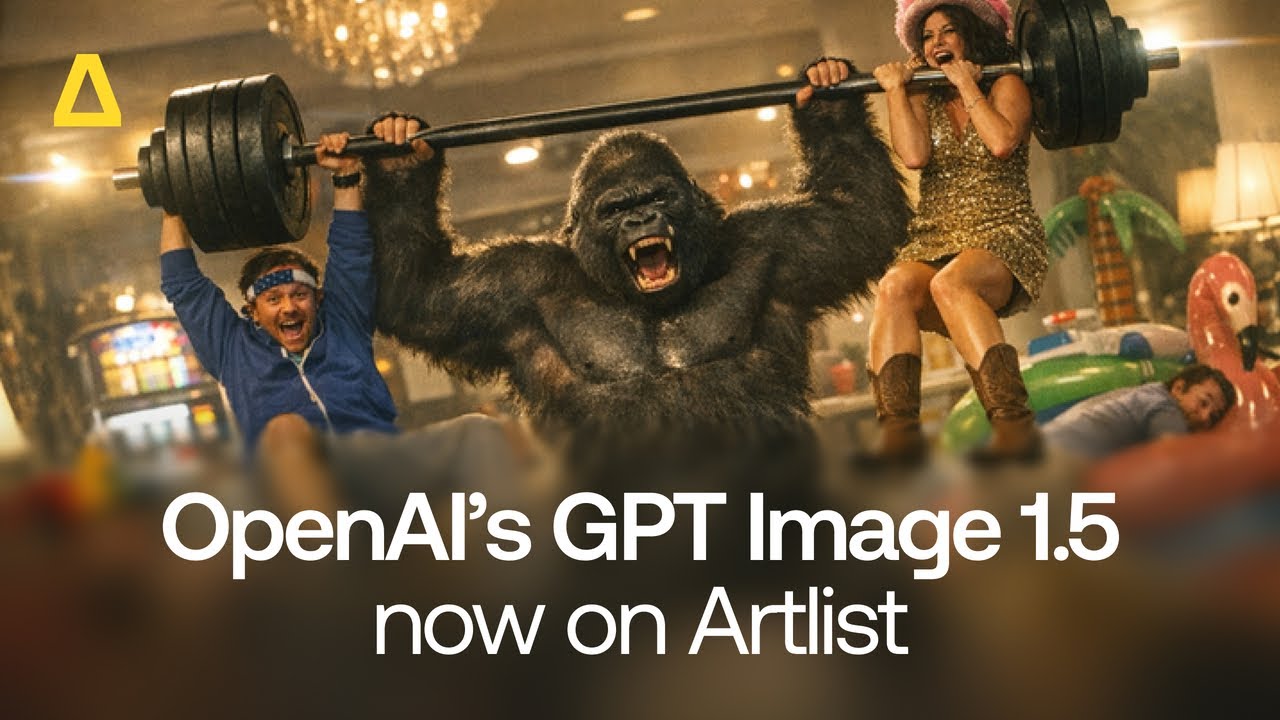
What’s new in OpenAI’s GPT Image 1.5
GPT Image 1.5 is designed for speed, precision, and real‑world production. By integrating this model, Artlist empowers creators to generate, refine, and edit visuals in a single, fast loop. Here is what makes the new model production-ready:
- Up to 4× faster generation: Rapid ideation and iteration feel practical, not frustrating.
- More precise editing: Changes like “make the lighting cooler,” “change the hairstyle,” or “add a logo in the corner” can be made while preserving faces, poses, and the background.
- Stronger instruction following: Complex prompts with multiple objects, styles, and constraints are handled reliably.
- Better text rendering: Zoom in on those small, dense texts in infographics, UI mockups, and signage.
- Improved multi‑face handling: Clearer, more consistent faces in group shots and crowd scenes.
OpenAI frames this as a move from novelty image creation to practical, high‑quality visual production — and that’s exactly the kind of power that fits Artlist’s mission to empower creators with the best, most up-to-date AI tools and capabilities.
Three models to choose from
OpenAI GPT Image 1.5 model is available on Artlist with both Text to Image and Image to Image. You can choose between High, Medium and Low quality. This gives you the flexibility to choose how you want to work. You can use text prompts and/or upload images to start creating your AI-generated images. Here are the essential technical specifications you need to know before you get started:
| GPT Image 1.5 | Photorealistic infographics and sharp text by OpenAI’s latest model. Modality: text to image, image to image Aspect ratio: 1:1, 3:2, 2:3 Resolution: 1K Quality: High, medium, low Max input images: 6; Max outputs: 1 |
Steal this prompt
Using GPT 1.5 Medium we created this whimsical, realistic image in aspect ratio 1:1. You can see in the text prompt below how we directed the image by describing the ligting, style, subjects, and background in great detail. We also included negative prompting and told the AI what what we did not want to see.
Prompt: A whimsical, cinematic street scene captured in a soft, analog-inspired photographic style.\n\nSubject & action:\n- A small child hugging the arm of a towering, oversized blue furry mascot creature\n- The creature is friendly, round, and cartoonish, with exaggerated proportions\n- The child appears carefree and trusting, mid-step while crossing a pedestrian crosswalk\n- The scale contrast between the tiny child and the massive character is central to the image\n\nEnvironment:\n- Urban street setting at golden hour\n- Pedestrian crosswalk with white zebra stripes\n- Cars and city architecture softly visible in the background\n- Real-world setting contrasted with a surreal, costumed figure\n\nVisual style & aesthetics:\n- Strong feeling of candid, documentary-style photography\n- Shot feels accidental, intimate, and human\n- Slightly imperfect framing, as if captured on film\n- Soft focus falloff with gentle motion blur\n- Natural daylight with warm highlights and cool shadows\n\nColor & texture:\n- Muted, nostalgic color palette\n- Powdery pastel blues in the costume\n- Warm yellows and creams in the child’s clothing\n- Subtle film grain and texture\n- Fabric textures are tactile and visible: fuzzy fur, knitted sweater, worn shoes\n\nMood & tone:\n- Dreamlike but grounded in reality\n- Playful, tender, and emotionally warm\n- A sense of childhood imagination intersecting with everyday urban life\n- Gentle surrealism without fantasy effects\n\nCamera & composition:\n- Eye-level perspective\n- Medium-wide framing\n- Subject centered but not perfectly symmetrical\n- Feels like a fleeting moment frozen in time\n\nStylistic references (implicit, not explicit):\n- Editorial street photography\n- Fashion-meets-documentary aesthetic\n- Analog film photography from the late 90s / early 2000s\n\nAbsolute prohibitions:\n- No hyper-realistic CGI\n- No illustration or painterly effects\n- No fantasy lighting or glow

How it compares with other models
GPT Image 1.5 is OpenAI’s direct answer to current favourites, like Google’s Nano Banana Pro. While praised for character consistency and style control, GPT Image 1.5 excels in:
- Precision: Changing only what you ask, keeping the rest intact.
- Speed: 4× faster generation makes rapid experimentation easier.
- Readiness: Better logo preservation, tighter instruction following make it ideal for design and marketing workflows.
How to set up your AI workflow
Here’s how to get the most out of ChatGPT Image 1.5:
1. Master the tools
- Explore Artlist’s existing text to image and image to image features to get comfortable with prompt structure, style keywords, and aspect ratios.
- Start ideation, mood boards, and experimenting to get familiar with the tool capabilities.
2. Build a prompt library
- Save templates for common use cases: product shots, social media visuals, UI mockups, and brand photography.
- Include specific details like aspect ratio, color palettes, and style keywords (e.g., “cinematic,” “editorial,” “minimalist”).


3. Test editing workflows
Upload existing images (brand assets, photos, sketches) and practice edits with commands like:
- “Change the background to a city skyline at dusk.”
- “Make the lighting cooler and more cinematic.”
- “Add our logo in the bottom right corner, 20% opacity.”
Note how well faces, logos, and key details are preserved
4. Create a reference library
- Build character sheets, environment references, and brand style guides.
- These references will anchor consistency across long‑form visuals and campaigns.
The bottom line
GPT Image 1.5 gives you production-quality visuals, precise editing, and seamless workflows. It empowers you to experiment, iterate, and create images that look professional from the first generation. Whether you’re building social campaigns, brand assets, or moodboards, this model helps your ideas reach their full potential.
Try GPT Image 1.5 now with AI Image on the Artlist AI Toolkit.
Did you find this article useful?


