


If you’re creating at scale, you’re always balancing quality, speed, and cost. Nano Banana 2, powered by Google’s Gemini 3.1 Flash, is built to close that gap.
It bridges quality and speed, pushing image results much closer to pro-level output while preserving the Flash-style performance you rely on. Think of it as an upgraded Nano Banana model, which is sharper, smarter, and still incredibly fast.
Built for serious workflows
When you don’t have the time to wait for renders, Nano Banana 2 works fast, helping you achieve production-scale results that previous Nano Banana models are known for. It’s designed for high-volume pipelines where throughput matters.
You get:
- Lightning fast generation
- High efficiency for bulk workflows
- Production-ready scalability
Whether you’re producing bulk UGC, building ad variations, prototyping concepts, or generating assets for video pipelines, Nano Banana 2 keeps up with your pace.
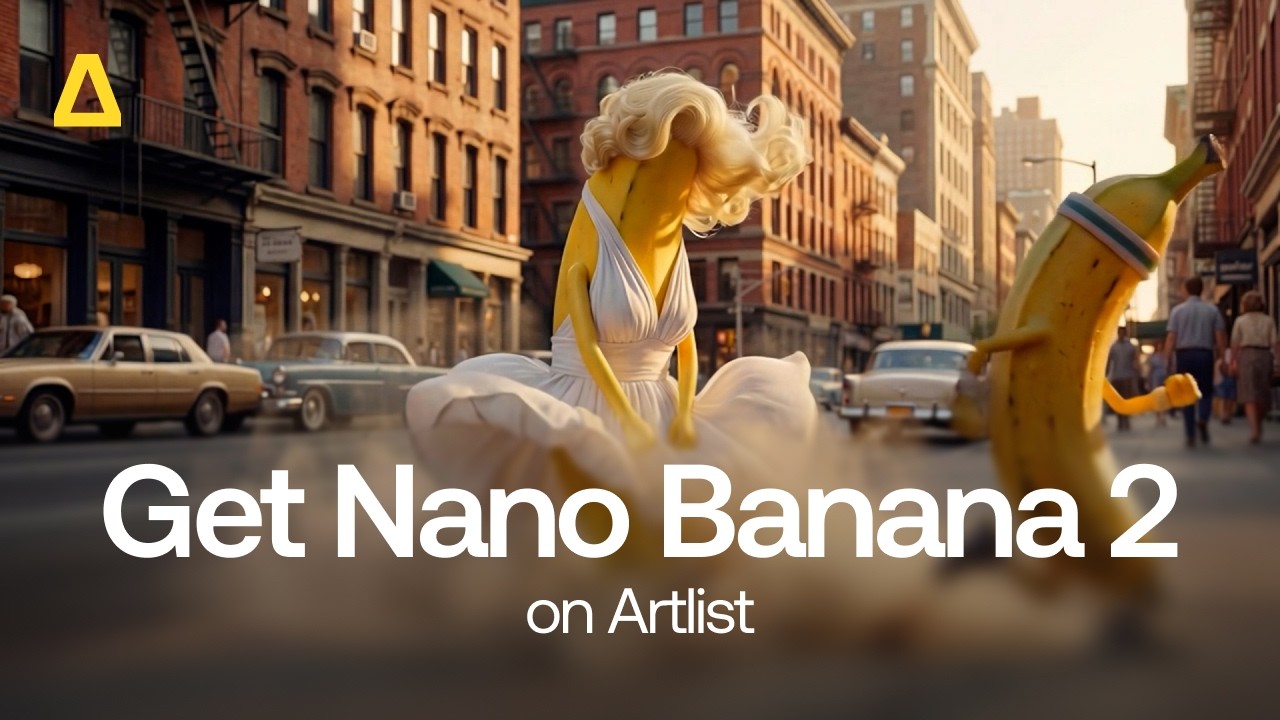
Image quality — upgraded
This text to image and image to image model, Nano Banana 2, brings meaningful quality boosts while keeping the core strengths of the Nano Banana AI image generator family.
High-fidelity style transfer
Your references translate with more nuance, accuracy, and texture. Styles feel intentional and controlled, not approximate.
Strong prompt understanding
Prompts are interpreted with precision. Complex ideas hold together, and details land where they should. This means you can generate the images that you imagined, perfect for your vision and all your project needs.
Multi-subject reference handling
This image model is exciting if you are working with multiple characters, objects, or visual inputs. Nano Banana 2 keeps the characters distinct and consistent, even in dense scenes.
Improved spatial logic and detail handling
Complex prompts with layered compositions now translate into your AI-generated images with stronger spatial awareness and cleaner detailing. The result is outputs that are more consistent, more repeatable, and closer to premium-tier quality, without sacrificing speed.
Flexible resolutions and formats for any pipeline
Nano Banana 2 supports a variety of resolutions and aspect ratios, so you have complete control over your images’ format.
Resolutions:
- 512px
- 1K
- 2K
- 4K
Aspect ratios:
- 1:1
- 2:3
- 3:2
- 3:4
- 4:3
- 4:5
- 5:4
You can generate images at the scale your project demands, from rapid drafts to high-resolution deliverables, in any size you need.
Multi-input control
Work with up to 14 input images, matching Nano Banana Pro’s reference capacity. That means strong reference control, better style alignment, and more predictable outcomes.


Designed for creation
Nano Banana 2 is purpose-built as a high-throughput, low-cost model, making it ideal for:
- Bulk content generation
- Advertising variations
- Social-first campaigns
- Rapid creative testing
- Asset generation for video workflows
You don’t have to compromise between speed and quality. You can scale both.
Where does it fit in the Nano Banana family?
This AI image model is a step up. Take a look at how it compares to Nano Banana and Nano Banana Pro.
| Feature | Nano Banana | Nano Banana Pro | Nano Banana 2 |
| Model ID | Gemini 2.5 Flash | Gemini 3 Pro | Gemni 3.1 Flash |
| Core focus | Speed, efficiency | High-quality, complex prompts | Speed and quality bump! |
| Speed | Very fast | Fast | Very fast |
| Quality | Good | High | High |
| Resolution | 1K | 1K, 2K, 4K | 512px, 1K, 2K, 4K |
| Prompt complexity | Standard | Complex, multi-part scenes | Strong prompt handling |
| Cost | Low | Higher | Low |
Why Nano Banana 2 matters
You’re building faster than ever. Your clients expect more iterations, tighter turnarounds, and higher visual standards, and Nano Banana 2 meets you there.
It delivers:
- Flash-level speed
- Pro-adjacent quality
- Precise semantic interpretation
- Consistent, repeatable styles
- Multi-subject and high-fidelity generation
This is what happens when performance and visual intelligence evolve together. Nano Banana 2 is faster, sharper, more reliable. Try Nano Banana 2 on Artlist Toolkit today and start creating images with tools built for the way you actually create.
Did you find this article useful?


