


Every video project starts with capturing footage, and we all know how time-consuming, coordination-intensive, and budget-intensive it can be. Even a simple shoot can mean locking locations, organizing the crew, scheduling your talent, and then hoping everything comes together on the day. So, when something doesn’t quite land — maybe the lighting feels off, the setting isn’t quite right, the mood misses the mark — a reshoot is far from ideal. It slows production down and adds real cost.
But what if we told you there was another way? We know all about AI image to video generators that can create AI generated b-roll, as well as the possibilities of AI text to video. But what about video to video AI?
Video to video AI generation offers a different path. Instead of starting over from scratch, imagine you can use your existing footage as a foundation and a prompt, transforming it into something new. The movement, framing, and performance can all stay in place, but the world around them can change. Perhaps there could be subtle stylistic shifts to complete visual reinventions. Rather than restarting your entire production, you instead use AI video to video as a way to refine and reimagine it. That’s what we’re diving into today.
What is video to video generation?
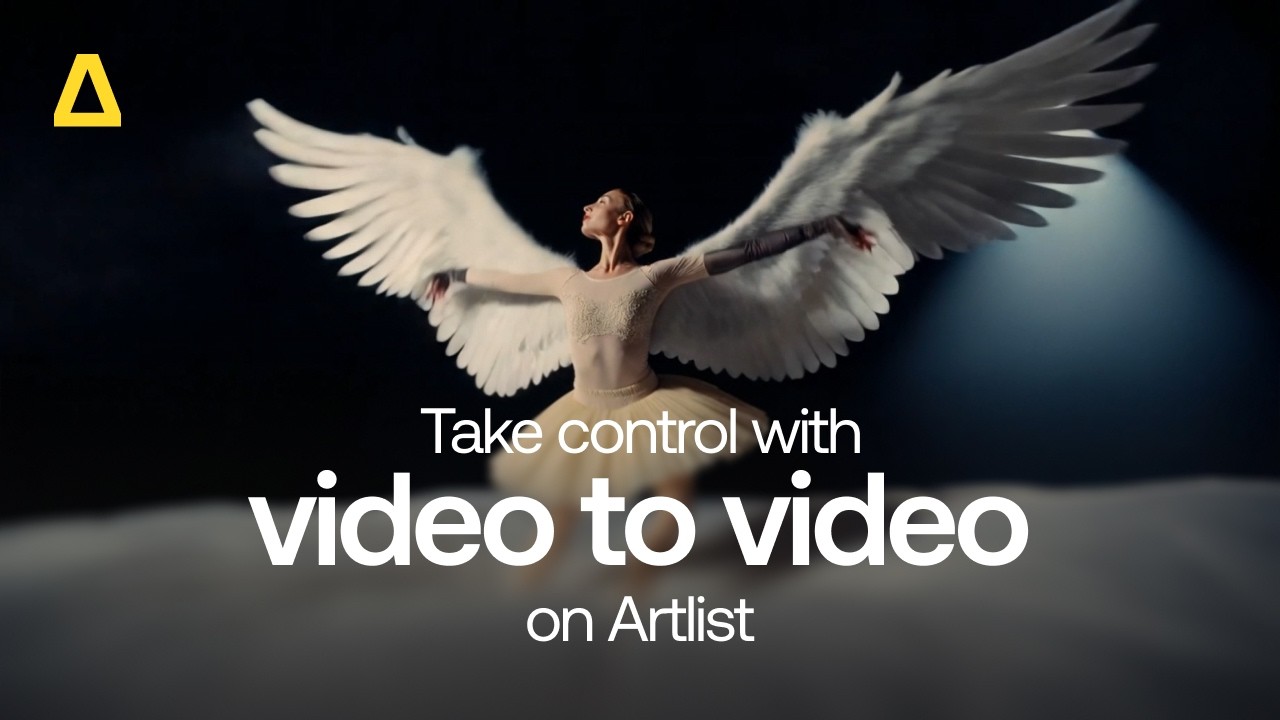
Video to video generation is basically an AI process that takes an existing video clip (your prompt) and uses it as the structural foundation for a new one. Instead of generating footage from scratch, the model analyzes the original video, looking at things like its motion, the composition, depth, lighting, and subject movement, and then transforms it based on what you’ve asked for. You could change the visual style, tweak the environment, shift the time of day, and add textures, all while preserving the underlying performance and camera movement.
So basically, your original clip becomes a blueprint for further creativity to be built on top. The AI maps your instructions onto that blueprint, reinterpreting what’s already there, rather than rebuilding it frame by frame from scratch.
What makes this powerful is that the creative control still sits with you. You decide the direction, whether that’s cinematic realism, animation, surrealism, or something entirely conceptual. You alone get to define the look, the tone, and the transformation. The AI doesn’t replace your creative judgment; it’s just the tool that executes it, helping you iterate faster and explore different directions that would otherwise require additional shoots, locations, or hefty visual effects work.
Why does video to video matter?
Video to video matters because it expands what you can do with the footage you already have. Instead of treating a finished edit as totally locked, you can revisit and change it. Old projects can suddenly be refreshed and reworked with a new visual style. Archived footage can be reimagined for a different audience. A single shoot can generate multiple creative directions without requiring multiple productions.
This flexibility changes how you think about scale, too. With an AI video to video generator, you can adapt campaigns for different markets by shifting environments, aesthetics, or tone. You could even test variations for pitches, without committing to full reshoots. On top of all this, video to video allows you to explore bold visual directions that might have felt too expensive or risky during principal photography. All of this helps reduce production costs while increasing creative output, giving you more room to experiment, iterate, and deliver at a higher level.
What can you do with an AI video to video generator?
As we’ve already touched on above, there are a number of different ways in which we can use video to video AI to enhance our workflow. Here’s how.
Style and aesthetic
You can completely shift the visual language of your footage while keeping the original performance and camera movement intact. If you want, a clean commercial shoot could become painterly and impressionistic. With the right prompt, a natural scene can be transformed into high-contrast cyberpunk. For example, let’s say you have a relatively simple street interview — it’s a bit bland and boring. Using video to video AI, you could reimagine this interview with stylized animation or graphic-novel-inspired visuals, all without reshooting a single frame.
Lighting and tone
We all know how lighting defines mood, and video to video lets you reinterpret it after the fact. With video to video, you have the tools to soften harsh daylight into diffused golden-hour glow, push neutral tones into something far colder and more dramatic, or add a punchy cinematic contrast to flat footage. A corporate office scene could shift from bright and neutral to moody and directional, instantly changing how the story feels.
Time of day
Instead of chasing sunrise or resetting for the night, you can now adapt the scene digitally. Midday footage can become dusk, early evening can shift into night, or a cloudy day can turn into a warm sunset. For example, a lifestyle shoot that’s captured at noon might not quite have the sharp golden light you envisioned in the storyboard. With video to video, you can transform the shoot into a golden hour masterpiece. Maybe you take it even further, shifting the whole shoot into twilight, with city lights twinkling in the background. All of it is possible.
Genre feel
Genre is more than just wardrobe and props — it’s creating an atmosphere. With video to video AI generation, you can nudge your footage toward sci-fi, horror, fantasy, or documentary realism. A neutral warehouse location can start to become a futuristic lab. A quiet forest walk could lean into suspense with darker palettes and a heightened contrast. Shifting the genre by adjusting your visuals helps you to reframe the narrative context.
Environment mood
Beyond genre, you can also shift the emotional tone of a setting. A bright, Instagrammable café can become a little more intimate and cozy. A calm beach scene in the Bahamas can suddenly feel stormy and dramatic. Subtle environmental adjustments, where you play with the texture of the sky, switch out background elements, and adjust color temperature, allow you to fine-tune how the space supports your story.
Cinematic texture
Using an AI video to video generator, you can layer in texture that enhances the production value: film grain (currently very popular!), lens characteristics, atmospheric haze, stylized depth of field, or even painterly details. With AI, a digitally clean shot can take on the organic feel of 16mm film. It can gain softness, grit, or stylization — whatever helps to align with your creative vision.
Control and change motion
Video to video tools don’t just alter surfaces. Done correctly, they can reinterpret motion while still respecting the original structure. With the right prompts, you can exaggerate movement, smooth it out, stylize it, or guide how various elements interact with the environment. For example, your slow push-in shot could gain some dynamic environmental effects — maybe add in some drifting fog, moving skies, and reactive lighting. All of this is driven by your prompt while preserving the core camera move.
Across all of these factors, the key is flexibility. You’re not locked into what the camera originally captured. You’re building on it prompt by prompt, shaping, refining, and expanding what’s possible from a single piece of footage.


Practical use cases for AI video to video generation
So, now we know what we can do with AI video to video generation, let’s take a look at when and where it can be applied.
Commercial adaptation
One single commercial shoot can now serve multiple creative directions. Think of the money that can be saved here! Instead of producing entirely separate versions for different audiences in different locations, you can transform the same base footage to align with different brand tones or campaign angles. A clean, lifestyle-focused product ad could shift from clean-cut to something more gritty and real. The structure stays the same, but the look and feel evolve to match the objective.
Social-first content variation
Social platforms reward volume and variation. So, similar to commercial adaptation, with AI video to video generation, you can create multiple stylistic versions of the same clip without scheduling all the additional shoots. A polished brand video on YouTube can be reinterpreted with bolder colors, faster visual energy, or trend-driven aesthetics to better fit your short-form feeds. That gives you more creative assets from one production, all tailored to how people actually consume content.
Music video reinterpretation
The best music videos in the business thrive on their strong visual identity. Using video to video tools, you can reinterpret performance footage into entirely new visual worlds. A warehouse performance could become surreal and dreamlike. A natural outdoor shoot could shift toward stylized animation or abstract textures. Instead of locking into one visual concept, you can explore multiple artistic directions from the same base footage.
Trailer recuts
Trailers often need to evolve. A trailer that works for the UK won’t necessarily work in Italy. Video to video generation allows you to reshape the tone of your trailer without rebuilding the edit from scratch, changing it for different audiences, platforms, or phases of a release. A dramatic cut can lean more suspenseful. A grounded scene can take on a heightened genre feel. You maintain the pacing and performances, while adjusting the atmosphere to better match the target audience.
International campaign localization
Campaigns rarely live in just one market. With video to video AI, you can adapt your environments, mood, and stylistic elements to resonate with different regions and the audience who inhabit them, without having to spend on reshooting entirely new campaigns. Subtle shifts in setting, visual tone, or cultural cues can help the creative feel more locally relevant while still maintaining brand consistency at a global level.
Creative experimentation
Unfortunately, not every idea makes it into production because of time, risk, or cost. AI video generators give you room to explore. You can test out bolder visual treatments, pitch your alternative concepts, or experiment with genre shifts before committing to a full shoot. That freedom encourages creative risk-taking, and it often leads to stronger final work.
In each case, the value is the same: you’re extending the lifespan and potential of footage you already have, turning one production into many creative possibilities.
Wrapping up
We all know how AI is changing video editing. It changes how we approach post-production. Instead of weighing up a reshoot, or pondering adding in stock footage as a last resort, you can save yourself a lot of time and energy by tweaking what you already have.
You’ve seen how it works: your existing footage becomes the blueprint. You keep the movement, the performance, the structure, and then start to transform everything around it as you see fit. You can shift style and lighting, change time of day, redefine genre, localize campaigns, test new creative directions, and scale content without rebuilding the entire production from scratch.
Most importantly, the control and vision stays with you. The AI simply helps you execute it faster and with more flexibility. That means fewer limitations tied to budget or logistics and more room to experiment, iterate, and refine your ideas. Try it on Artlist now.
FAQs
Did you find this article useful?


