


AI video tools are advancing faster than we can blink. But what really matters for video creators is quality, because that’s what separates a cool experiment from usable footage. When a shot looks realistic, motion is human-like and continuous, a clip actually matches the prompt, and camera movement stays focused throughout, AI-generated footage can actually become a piece of your video.
Sora 2 was designed to address that gap. Compared to Sora 1, it raised the bar for consistency, motion stability, and better shot structure. Actions now obey gravity and resolve more naturally, and objects behave in line with real-world physics.
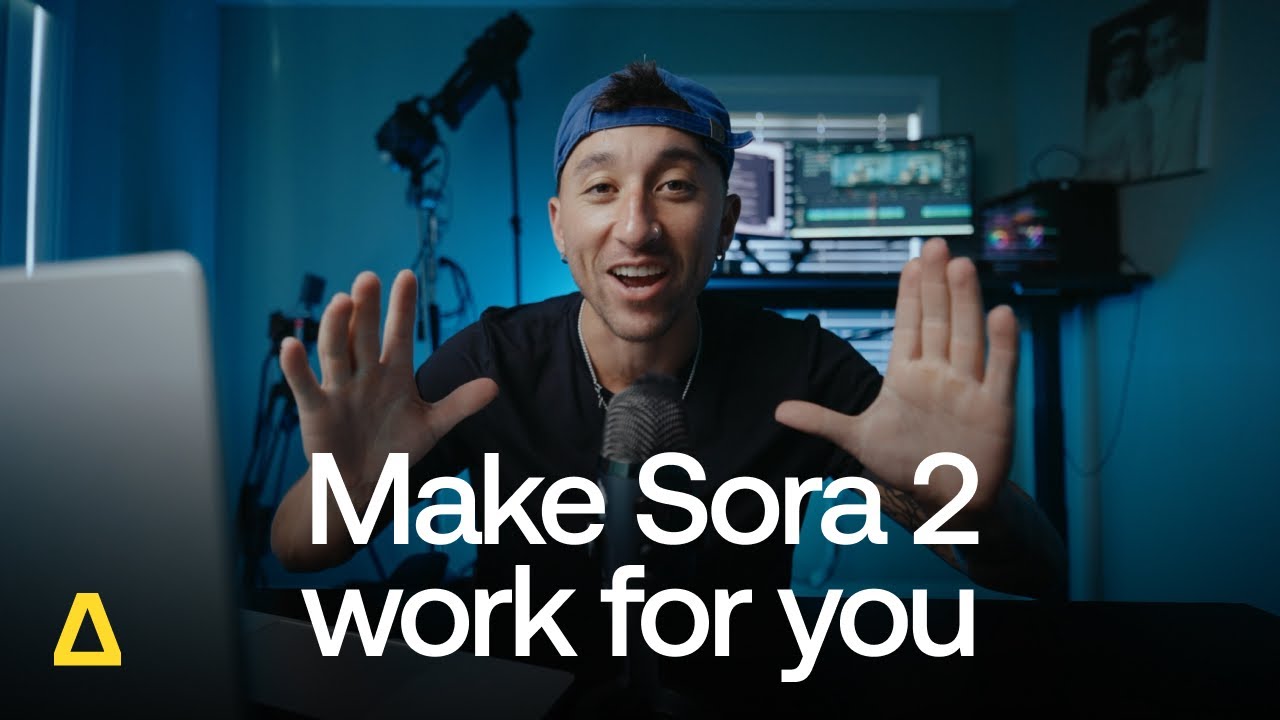
In this tutorial, a creator shows what Sora 2 does better than previous generators.
While Sora 2 Pro, the premium version, looks like a spec upgrade on paper, it’s a real workflow shift. Sora 2 Pro generates shots that look even more realistic and are closer to being ready for storytelling, ads, or branded content.
This article compares Sora 2 and Sora 2 Pro. You’ll learn about the differences in output quality, motion, audio, and consistency, and when each model actually makes sense for your work.
Main differences in output quality
With the right prompts, Sora 2 already produces visually impressive, high-quality clips. Sora 2 Pro builds on that with greater stability, smoother motion, and more persistent detail. These differences show up most strongly in motion-heavy shots. The result is footage that’s better suited as a standalone clip for publication or for integrating into your final edits. Note that most professional creators continue to use a combination of AI tools to finalize their videos.
Fidelity
Fidelity refers to how closely a generated clip resembles real footage in look, motion, and camera behavior over the duration of a shot. Both models generate strong visuals, but Sora 2 Pro improves how realistic that output feels over the duration of a sequence. Compared to Sora 2, Sora 2 Pro generations tend to maintain a more believable camera presence and visual behavior.
Prompt: Handheld selfie video filmed by a crew member on a small sailing boat during a violent storm at sea. The camera feels like a real smartphone held at arm’s length. Wind and rain hit the lens. The horizon tilts slightly as the boat rocks. In the background, other crew members struggle to control the boat. Then a gust of wind suddenly makes the sailor drop the mobile phone he is filming with.
The models were prompted to create a handheld selfie video of a crew member aboard a sailing ship in stormy weather, with a gust of wind making him drop the phone. The Sora 2 version is solid, but the movement of the crew member’s head to the side a moment before the phone falls down doesn’t look completely realistic. The Sora 2 Pro version of the same prompt, on the other hand, is almost impossible to tell apart from a real clip.
Texture detail
Texture detail describes how well fine visual details like skin, fabric, and surfaces stay consistent and intact over the duration of a generated shot. Sora 2 Pro improves how texture detail holds up over the course of a clip. Compared to Sora 2, fine details are more likely to persist as motion increases or a sequence runs longer.
This difference becomes noticeable when visual consistency matters. Sora 2 is better for very short, single-shot clips. Creators should opt for Pro when shots need to convincingly sustain detail across motion or over the full duration of the clip.
Motion smoothness
Motion differences between Sora 2 and Sora 2 Pro are most apparent in scenes with a lot of movement in front of the camera or of the camera itself. While Sora 2 can produce convincing movement, Sora 2 Pro improves how motion unfolds within a shot or across a sequence of shots, making it feel more controlled and continuous rather than interrupted or inconsistent.


Stability across frames
Sora 2 Pro improves stability across frames in comparison to previous AI video generators. However, even in a short scene with two, three, or four shots, variations can still break the flow of the sequence. These can make the clip, as a whole, useless for final edits.
In comparison, Sora 2 Pro output is more likely to maintain alignment in characters, objects, and framing. This makes a huge difference when shots need to hold together from start to finish.
Prompt: A lively outdoor music festival during golden hour. The first shot shows a crowd of people dancing energetically near the stage, with colorful lights and flags waving in the background. The camera then smoothly pans down to reveal a young child sitting on a blanket just in front of the crowd, gently playing with a small orange cat. In the final shot, the child laughs as the cat playfully bats at a dangling toy, while people continue dancing in the background in smooth, continuous motion.
With the same prompt, Sora 2 Pro generates three shots that have a logical sequence. With Sora 2, the second and third shots are disconnected, because the third shot surprisingly introduces a dangling toy that wasn’t there in shot number two, and that wasn’t asked for in the prompt.
Resolution
Another important difference between the two models is resolution. While Sora 2 generates clips at 720p (HD), Sora 2 Pro supports 1080p output in the Artlist AI Toolkit. On larger screens or in high-quality edits, the added resolution helps preserve detail and clarity, making footage feel sharper and more polished.
Audio, sync, and realism
Audio plays a big role in whether AI video feels usable or off. Lip-sync that drifts, sound effects that don’t line up with motion, or background audio that feels disconnected can quickly break realism, even when the visuals are good.
Both Sora 2 and Sora 2 Pro support integrated audio generation, including dialogue, ambient sound, and sound effects generated in sync with the video. This allows creators to generate complete clips without adding audio separately.
The question is how precise that synchronization is. Sora 2 Pro delivers more accurate audio sync than Sora 2, particularly when dialogue or character-driven audio is involved. Lip-sync tends to hold together more reliably in Pro, while Sora 2 can struggle with more complex sequences.
For creators working with voiceover or music-driven edits, this affects workflow directly. More reliable sync means less guesswork when cutting to dialogue, beats, or sound cues. Sora 2 can still work for rough ideas and exploration, but opt for Sora 2 Pro if audio timing has to be right on cue.
Character quality
Sora 2 generally handles simple character actions well, but facial expressions may feel flatter, interactions less intentional, and character-driven scenes often come across as less intense. From a technical standpoint, its weaker handling of facial close-ups and limited ability to sustain more than two shots within a 4-second clip contributes to that reduced emotional impact.
Sora 2 Pro improves how characters come across on screen. Faces, movements, and audio all combine in a more expressive way.
Prompt: Scene from the Middle Ages with a crowd of people in a town square. The main character, a strong heroic man, is pushing through the crowd, in a dramatic moment, hurrying to find something (we don’t know what). It is an expressive scene with 3 shots.
With the same prompt, Sora 2 generates an emotionally less intense scene. The character’s face is less expressive than in the Sora 2 Pro clip, and the sequence has only two shots. Sora 2 Pro also adds audio that contributes to the drama of the scene.
Why does this matter for creators?
These quality differences directly affect how usable the footage is. Sora 2 works well for exploration and drafts, but its clips still show many of the common limitations of AI video tools.
Sora 2 Pro doesn’t eliminate those issues entirely, but it reduces them. That makes it easier to move from clip generation to final edit without relying on workarounds like trimming clips down or regenerating the same shot again and again, hoping for a better result.
| Model | Resolution | Output quality | Motion and stability | Audio sync | Continuity | Best for |
| Sora 2 | 720p in Artlist toolkit | Visually impressive, high-quality baseline | Mostly convincing motion, but not wholly consistent | Integrated audio with basic sync | Small variations can appear | Experimentation, drafts, quick ideas |
| Sora 2 Pro | 1080p in Artlist toolkit | Higher fidelity, more realistic and refined | Smoother, more controlled motion that holds together longer | More precise and reliable sync | Tighter visual alignment across the clip | Polished work, such as short storytelling clips, footage for videos, short ads, branded content, or social media channel content |
Making the right choice for your workflow
Sora 2 and Sora 2 Pro are built for different moments in a creator’s workflow. If you want to explore AI video, test ideas, or generate short clips quickly, Sora 2 is a solid place to start. If you need higher output quality and footage that holds together more reliably for storytelling, ads, or branded work, Sora 2 Pro is the better choice.
Understanding these differences matters. As AI video tools evolve, creators who know when to use which model can move faster, waste less time on workarounds, and make more intentional creative decisions.
With access to both Sora 2 and Sora 2 Pro in the Artlist AI Toolkit, you can experiment freely and switch to higher-quality output whenever your project demands it.
Did you find this article useful?


