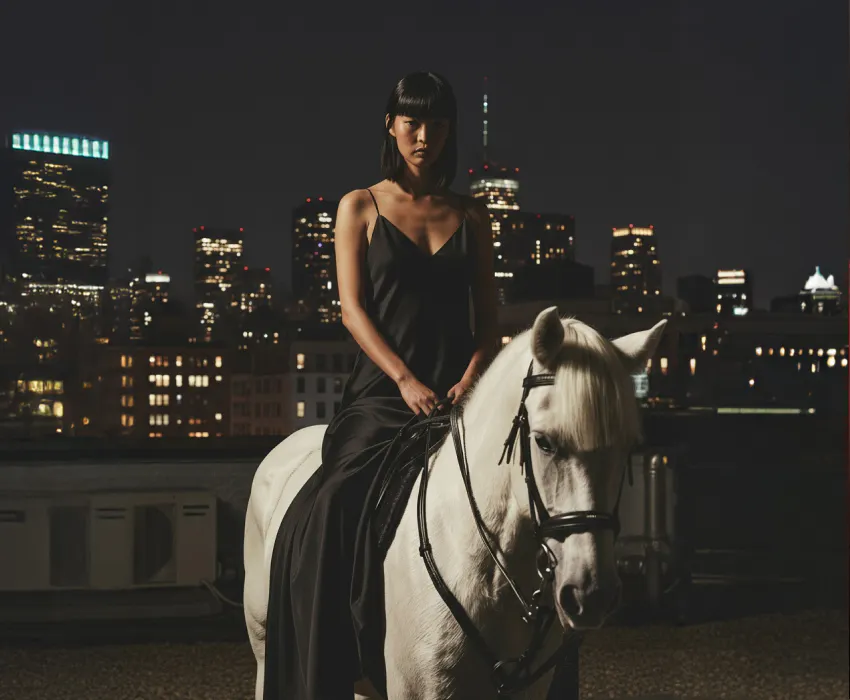
Kling O1 is live on Artlist: Here’s what you need to know (opens in new tab)

Kling O1 Video by Kuaishou is a multimodal AI video generator built for precise direction. Animate scenes using start and end frames, natural language edits, and locked character identities for consistent, production-ready videos.
Kling O1 Video is designed for creators who want more control and consistency.

Previsualize camera moves, block scenes, and maintain continuity across shots using start and end frame control, bridging the gap between storyboards and finished footage.
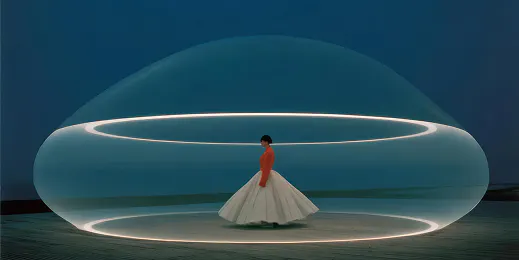
Create and test multiple ad variations from a single base clip. Swap environments, motion, or timing to iterate quickly without rebuilding every version from scratch.

Start with one strong hero clip, then generate consistent variations—different looks, settings, or pacing—to keep content fresh without a full editing workflow.

Handle changes like object removal, scene adjustments, or visual refinements using simple text direction, freeing time to focus on pacing, rhythm, and storytelling.
Describe how the scene should move or change, and it applies those instructions cleanly across the clip.

Kling O1 Video supports multiple video creation and editing modes that work together in a single, continuous workflow — so you can generate, edit, and refine video without switching tools.
Generate video from detailed text prompts. The model interprets motion, pacing, and camera direction before generating, resulting in more accurate movement and consistent subjects across frames.
Upload start and end frame images to define exactly how your video begins and ends. Motion is generated between frames while preserving composition, framing, and visual identity.
Apply changes using natural language during generation, such as adjusting environments, styling, timing, or motion, without requiring manual editing steps or separate tools.
Move between text prompts and image-based control within the same process. Start with text-to-video, then refine direction using frames and additional instructions without restarting.
Learn how to direct AI video with precision and get your best results with Kling O1 Video.
Kling O1 Video is built on a unified multimodal foundation that processes text and images together during video generation. This allows it to maintain consistent characters, follow start and end frame direction, and apply motion and scene changes more predictably across a clip.
You can create cinematic transitions, storyboards, ad variations, social media clips, previs shots, and short narrative sequences where controlled motion and visual consistency are important.
Yes. Artlist offers a full lineup of Kling AI models inside the AI Toolkit, including Kling O1 Image, Kling 1.6, Kling 2.1, Kling 2.5 Turbo Pro, Kling 2.1 Master, and Kling 2.6 Pro. New Kling models are added as soon as they’re available, so you can always create with the latest releases.
Still have questions? We're here to help.