


AI video is evolving fast, and Kling continues to prove why it’s one of the most ambitious players in the field. Owned by the Chinese company Kuaishou, the Kling model family has moved quickly through many versions, including 1.6, 2.1, and 2.5 across Turbo, Pro, and Master variants — each improving resolution, motion fidelity, and control, each available on Artlist.
Kling 2.5 Turbo already brought cinematic-quality output with smoother camera movement, better prompt understanding, and more stable multi-object scenes. Kling Omni — also known as Kling O1 — expanded the ecosystem into a full multimodal framework for text-to-video, image-to-video, reference-to-video, editing, and scene extension.
Now Kling 2.6 Pro has debuted on Artlist, and it raises the bar in ways creators will feel immediately. Here is what you can enjoy:
English and Chinese audio built in
Audio is where Kling 2.6 Pro stands apart. The model includes built-in audio in both English and Chinese, giving creators a fast way to block scenes and create the perfect final video faster, without the extra editing time. It’s an immediate advantage for storytellers working in English and Chinese-language markets, and it speeds up ideation even if you plan to replace the audio with voices or music from Artlist later!
You can also opt out of audio entirely when you want a clean, silent output for your edit.
Related Posts


Stronger adherence, more control
Kling 2.6 Pro offers noticeably better prompt adherence, which means what you imagine is what you actually get. Character details stay consistent, narrative elements follow your description, and creative direction translates more accurately on screen. You can guide performances, camera behavior, pacing, and emotional tone with more precision.
Upgraded cinema-quality visuals
The jump in cinematic realism is clear. Lighting behaves more naturally, depth feels richer, and scenes hold together with fewer artifacts. Motion is smoother across a wider range of actions, from subtle gestures to full-body dynamics. Effects and transitions are more controlled, giving you the foundation for storytelling that feels intentional rather than experimental.
Better expression and native-style storytelling
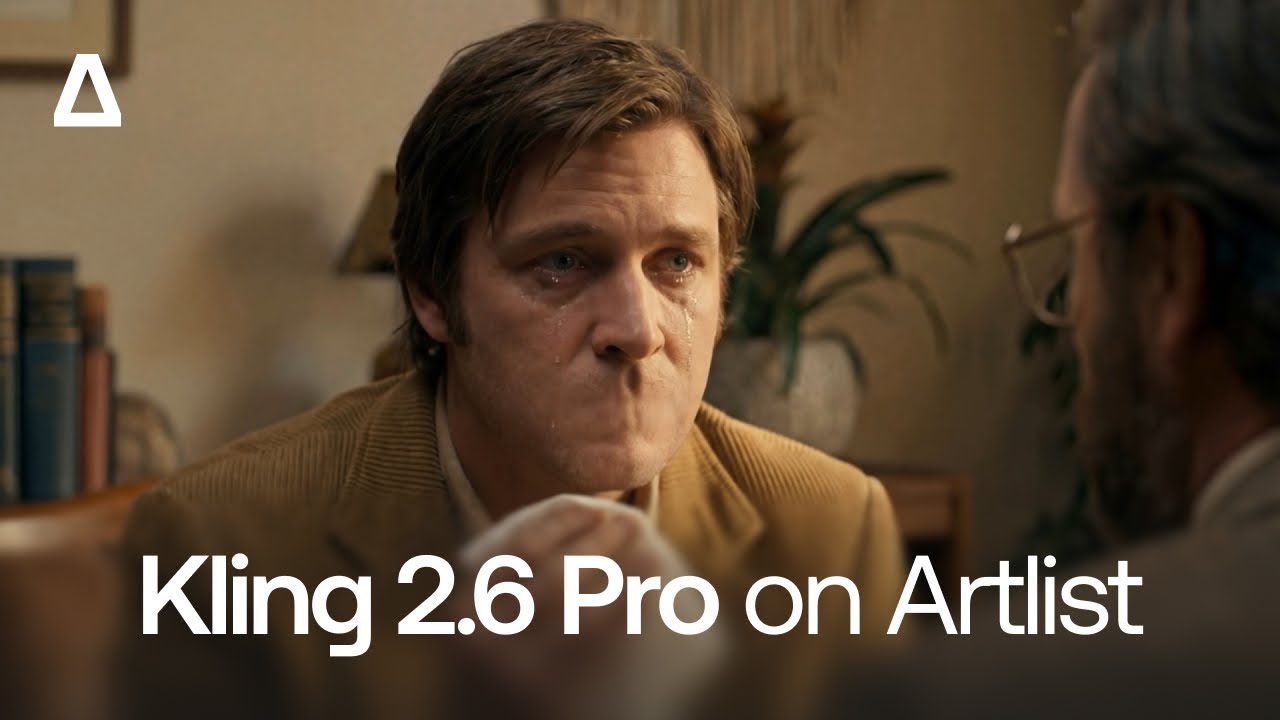
Kling 2.6 Pro improves facial expressions and emotional reads, which matters when your story depends on nuance. Characters respond more believably to context and direction, making it easier to create grounded, narrative-driven work instead of purely stylistic clips.
Consistency across styles
One of the biggest leaps is consistency. Each model improves on the next, and this one is no different. Whether you’re aiming for animation, cinematic realism, stylized graphics, or documentary-inspired looks, Kling 2.6 Pro keeps the identity of your characters and visual tone stable. This solves a key pain point when producing multi-shot or multi-scene videos.
Competing with Sora 2 and Veo 3.1
Kling 2.6 Pro enters the market at the same moment OpenAI’s Sora 2 and Google’s Veo 3.1 are setting new expectations. Kling AI 2.6 Pro is being positioned as a direct competitor because it hits the same major benchmarks:
- High-fidelity motion that keeps subjects coherent
- Stronger reasoning and prompt accuracy similar to the latest multimodal models
- Cinematic generating that challenges premium-level generators
- End-to-end multimodal workflow through Kling Omni
- Language-specific audio generation, including dialogue, sound effects, and ambient soundscapes.
While each model has its own strengths, Kling’s rapid iteration, robust motion handling, and native English and Chinese audio support make it especially competitive for creators working across global markets looking for faster, flexible edits and productions.


Choose the model that works for you
On Artlist with Kling 2.6 Pro, you can choose between two models for both text to video and image to video. This flexibility lets you select the version that best fits your project and the way you prefer to work. If you are working with text prompts or reference images, whether you need faster outputs, more cinematic fidelity, or specific stylistic control, you stay in control of the workflow and can adapt the model to suit different narratives, visual styles, or production requirements.
How to use Kling 2.6 Pro on Artlist
So to get started, you will just need an Artlist login, and to follow these six simple steps.
Steps to using the Text to Video or Image to Video models:
Choose your model – Kling 2.6 Pro.
Add your Start Frame image and type your prompt.
Choose your settings. Pick your preferred aspect ratio (1:1, 16:9, 9:16), duration (5, 10 seconds) Click audio on or off, depending on whether you want AI sound in your generated videos.
This model supports negative prompting. Click on the Negative Prompt setting and list the things you want to exclude from your video. Control how closely the AI model follows your prompt with Guidance Scale (0-100%)
Click Generate and find your video creations and other sessions in your history on the left. You can review, recreate, upscale, download, delete, or add to Artboards and Favorites.
Start creating
If you’re ready to integrate AI video into your creative process — or take your current workflow further — our team is here to help. Start now on Artlist on text to video, and image to video, or reach out to learn how Kling 2.6 Pro and other Artlist AI tools can help you create faster, explore bigger ideas, and bring your stories to life.
Did you find this article useful?


